
CarPlay for your CGM readings
On iOS 26 or later, your Live Activity appears on CarPlay automatically when you start driving, so readings are a glance away.
Premium
How to set it up
- Start a Live Activity in Sweet Dreams.
- Connect your iPhone (iOS 26 or later) to CarPlay. The Live Activity shows up automatically when you start driving.
- Optional: in Settings → CarPlay, choose a glass background. This setting also affects the Live Activity on Apple Watch.
Details
- As a fallback, Calendar integration (Settings → CarPlay → Connect with Calendar on iOS 26, or Settings → Calendar on earlier versions) puts your latest reading in a Sweet Dreams calendar that CarPlay can show. The Live Activity performs better, so use that where you can.
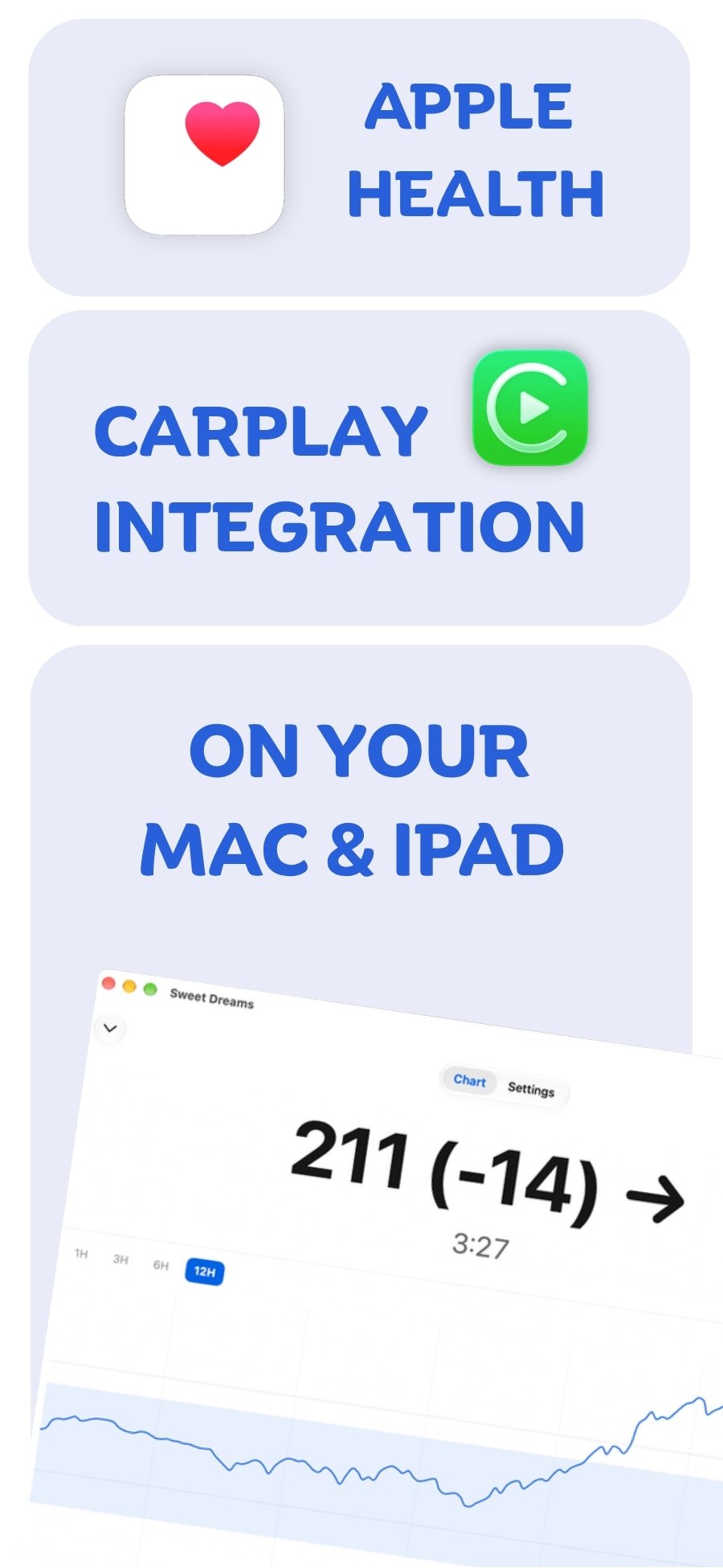
CarPlay with your device
 Free on the App Store for iPhone, Apple Watch, iPad and Apple silicon Macs.
Last updated 2026-10-12