
Apple Health sync for your CGM readings
Export readings to Apple Health, or import glucose from Health to see stats and trends.
Premium
How to set it up
- Go to Settings → Apple Health in Sweet Dreams.
- Turn on Write to Apple Health and allow write access for Blood Glucose when asked.
- Turn on Read from Apple Health too if you want the Stats tab, which is built from your Health data.
Details
- Readings sync when you open Sweet Dreams, and every hour in the background.
- If readings aren't arriving in Health, open iPhone Settings → Privacy & Security → Health → Sweet Dreams and allow write access for Blood Glucose.
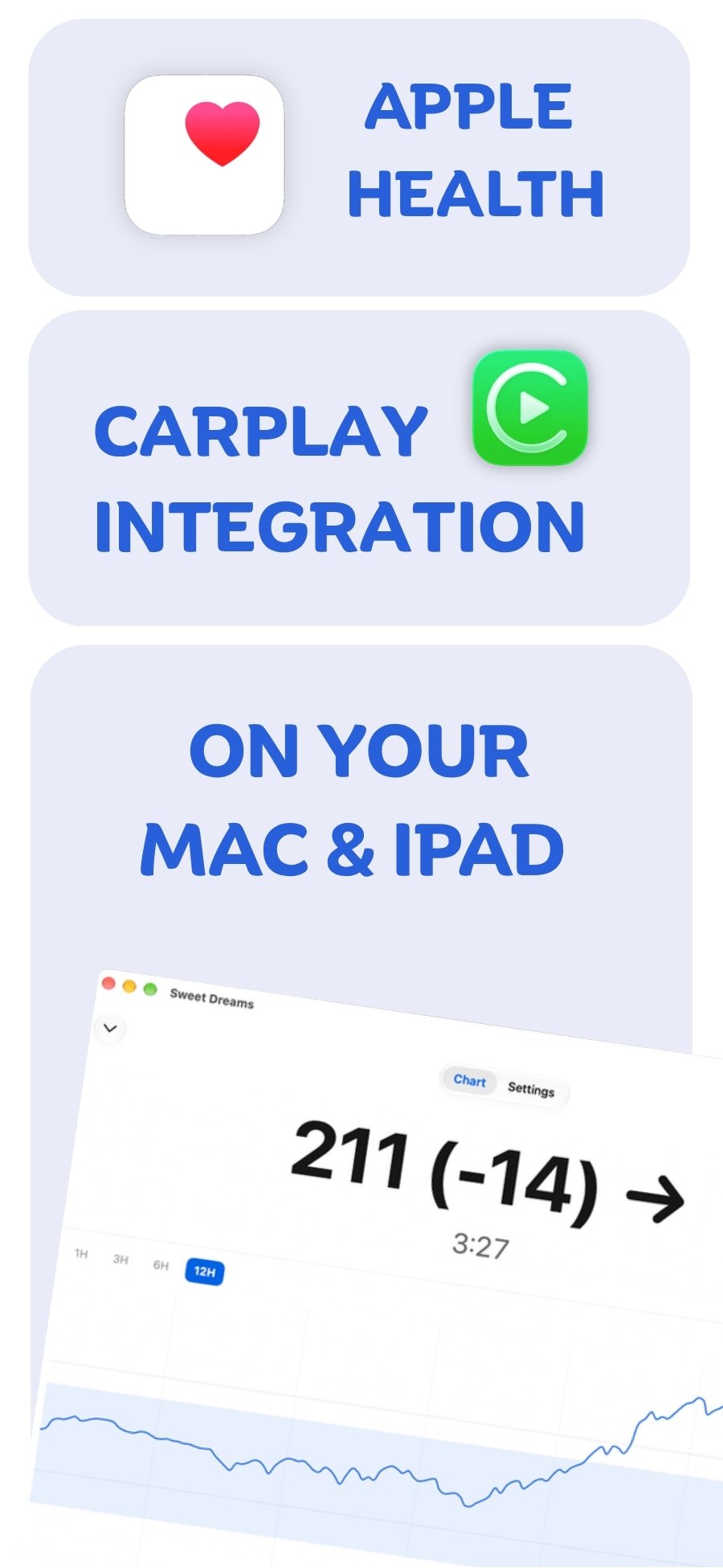
Apple Health with your device
 Free on the App Store for iPhone, Apple Watch, iPad and Apple silicon Macs.
Last updated 2026-10-12