
Notification profiles for your CGM readings
Separate alert settings for sleep, work, school, the gym and more, switched by hand or automatically with Shortcuts.
How to set it up
- Create profiles with different alert settings, for example Sleep and Exercise.
- To switch automatically, open the Shortcuts app, go to Automations and tap +.
- Choose a trigger, such as a time of day, arriving somewhere, a Focus mode starting, or an Apple Watch workout. Select Run Immediately.
- Tap New Blank Automation → Add Action, search for Change Profile, and choose the profile to switch to.
Details
- Automatic switching needs Sweet Dreams 1.17 or later.
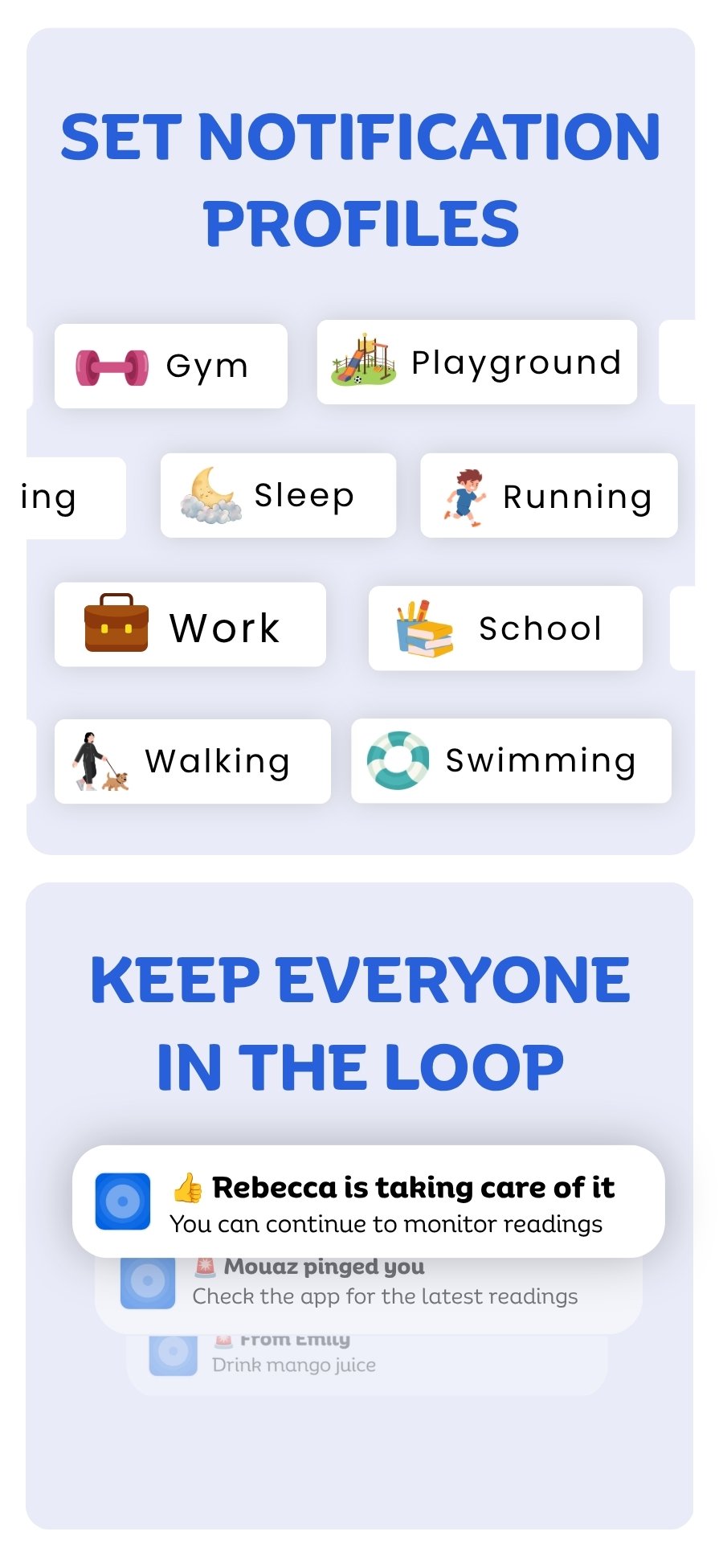
Notification profiles with your device
 Free on the App Store for iPhone, Apple Watch, iPad and Apple silicon Macs.
Last updated 2026-10-12