
Mac and iPad for your CGM readings
Sweet Dreams runs on iPad and on Macs with Apple silicon too. You can also show your latest reading in your Mac's calendar.
How to set it up
- Search for Sweet Dreams on the Mac App Store (Macs with Apple silicon) or on the App Store on iPad. In the iPhone app, Settings → iPad & Mac can send you a download link.
- Sign in the same way you did on iPhone.
- Optional: Calendar integration (Settings → Calendar, or Settings → CarPlay → Connect with Calendar on iOS 26) uploads your latest reading to a Sweet Dreams calendar. You'll need your Apple ID and an app-specific password (not your Apple password).
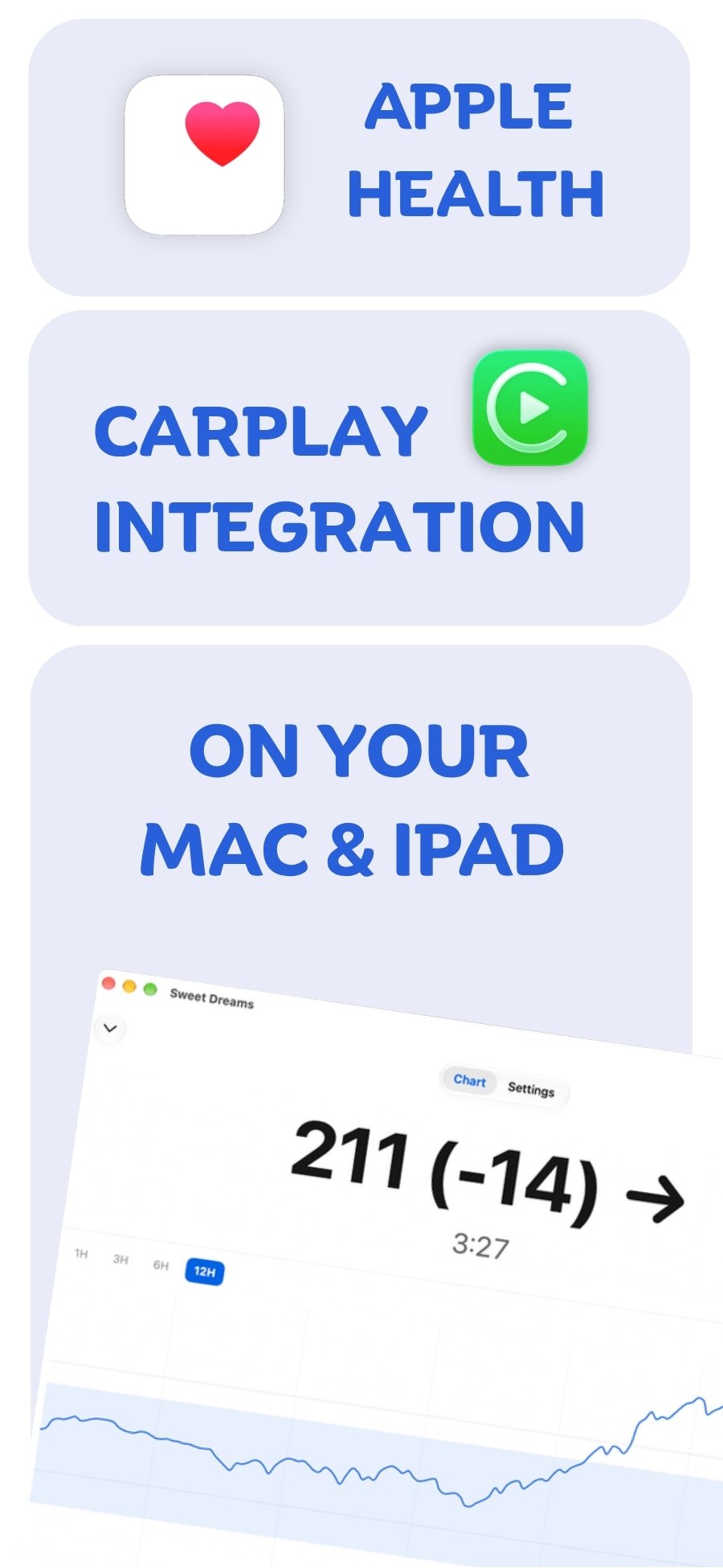
Mac & iPad with your device
 Free on the App Store for iPhone, Apple Watch, iPad and Apple silicon Macs.
Last updated 2026-10-12