
Live Activity on the Lock Screen and Dynamic Island for your CGM readings
Your latest reading, trend and graph on the Lock Screen and in the Dynamic Island, refreshed every few minutes, far more often than widgets. It also appears in StandBy, on Apple Watch and on CarPlay (iOS 26).
Premium
How to set it up
- Open Sweet Dreams and tap Live Activity on the Home tab.
- To change the look, go to Settings → Live Activity & Dynamic Island and pick a style.
- Optional: choose what shows in the Dynamic Island from the same screen.
Details
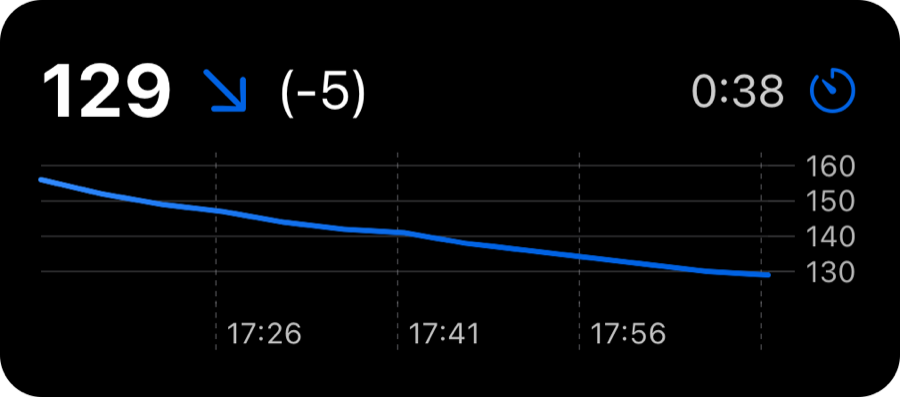
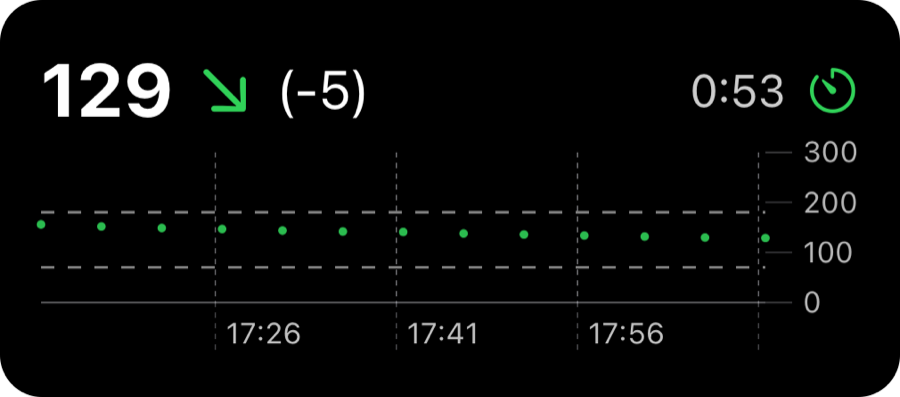
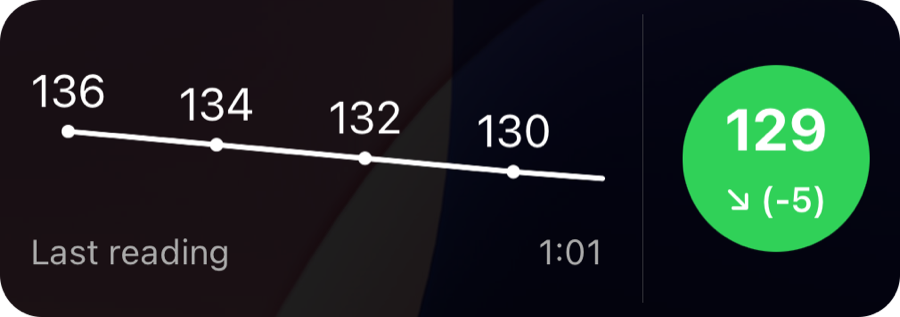
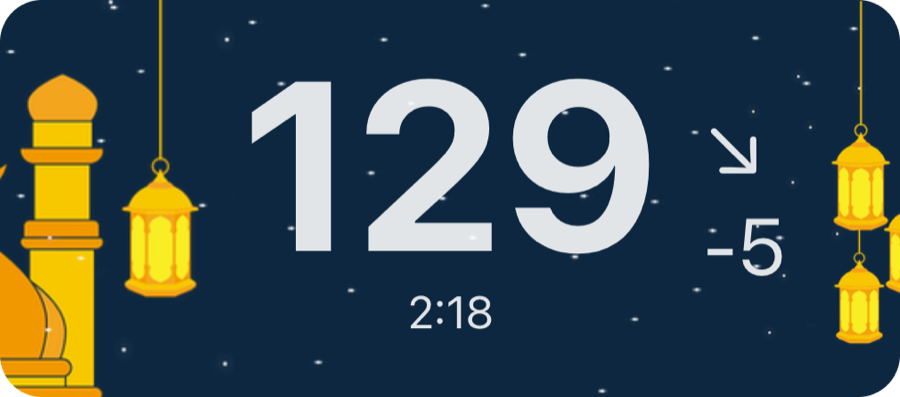
- Pick from graph styles (Dynamic Axis, Fixed Axis, Emphasised Reading), simple styles (Large, Compact), seasonal themes (Spring, Summer, Autumn, Winter) and festive themes (Ramadan, Halloween).
- The same Live Activity appears in StandBy when your iPhone is charging on its side, in the Smart Stack on Apple Watch (watchOS 11 or later) and, on iOS 26 or later, on CarPlay when you start driving.
- By default the Live Activity refreshes every 5 minutes. With FreeStyle Libre or Medtrum you can tap Request frequent refreshes for a refresh every minute (every 2 minutes for Medtrum).
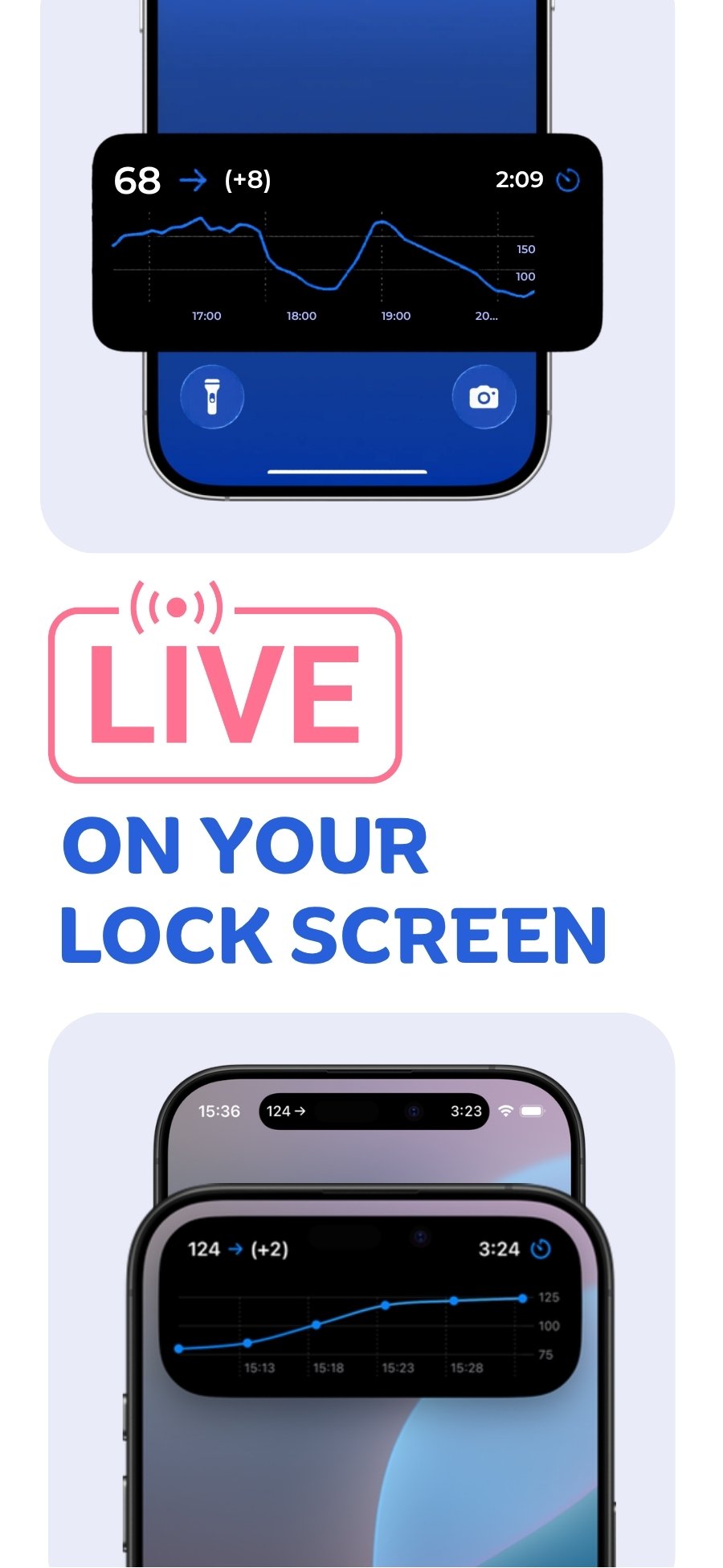
Why not just use a widget?
Widgets and watch complications are refreshed on a budget Apple sets, which we've seen work out to every 15–20 minutes, in every app. That's why glucose widgets, including those in official CGM apps, can show an old reading. A Live Activity is refreshed every few minutes instead.
Live Activity styles and themes
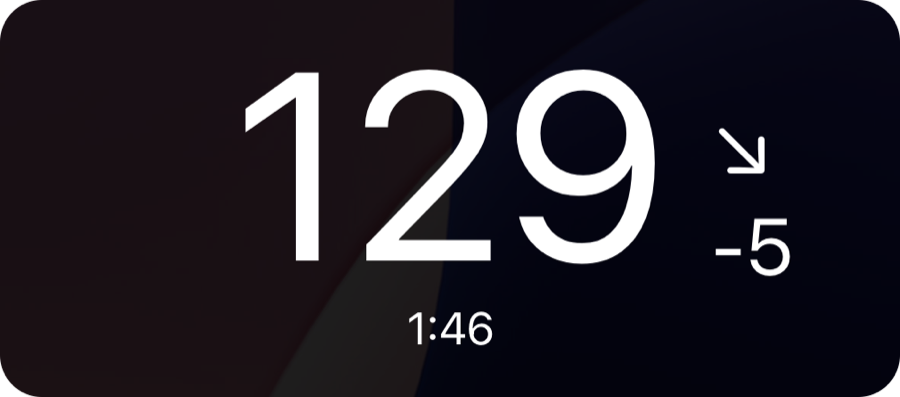

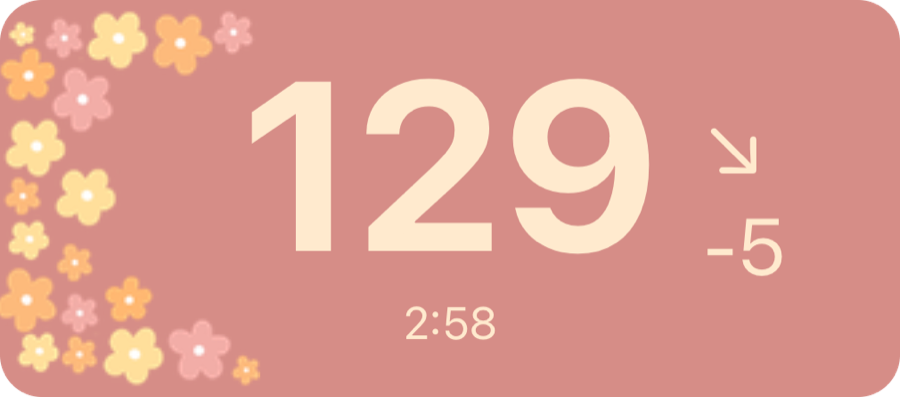
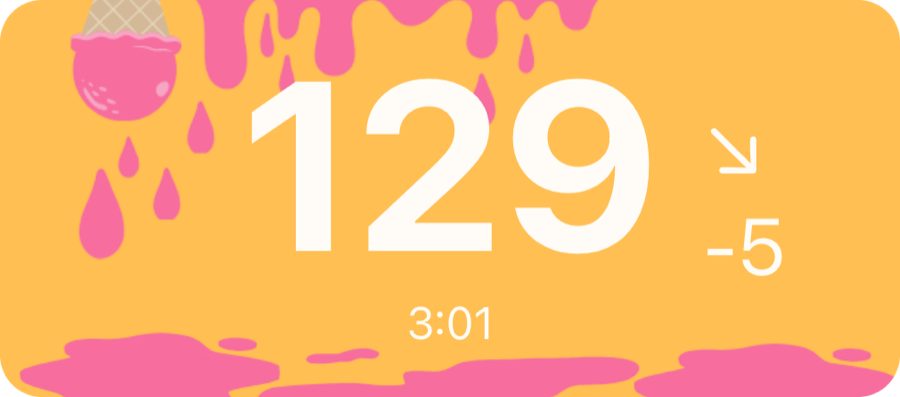
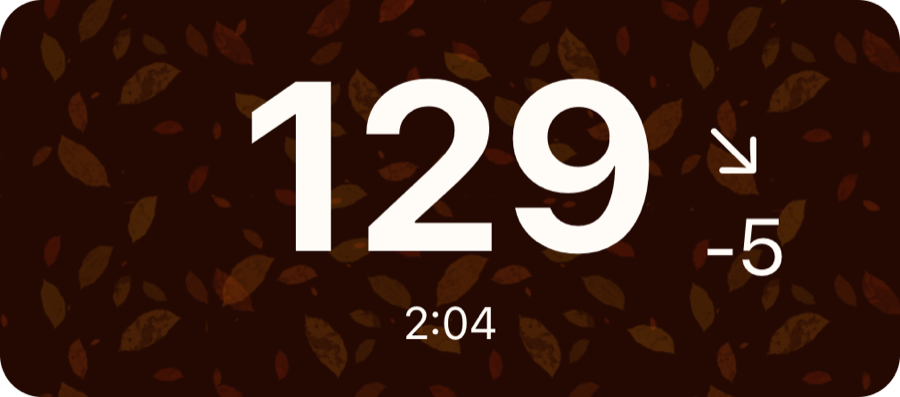


Live Activity with your device
 Free on the App Store for iPhone, Apple Watch, iPad and Apple silicon Macs.
Last updated 2026-10-12