
How to see FreeStyle Libre 3 and 2 readings on your iPhone Lock Screen and Dynamic Island
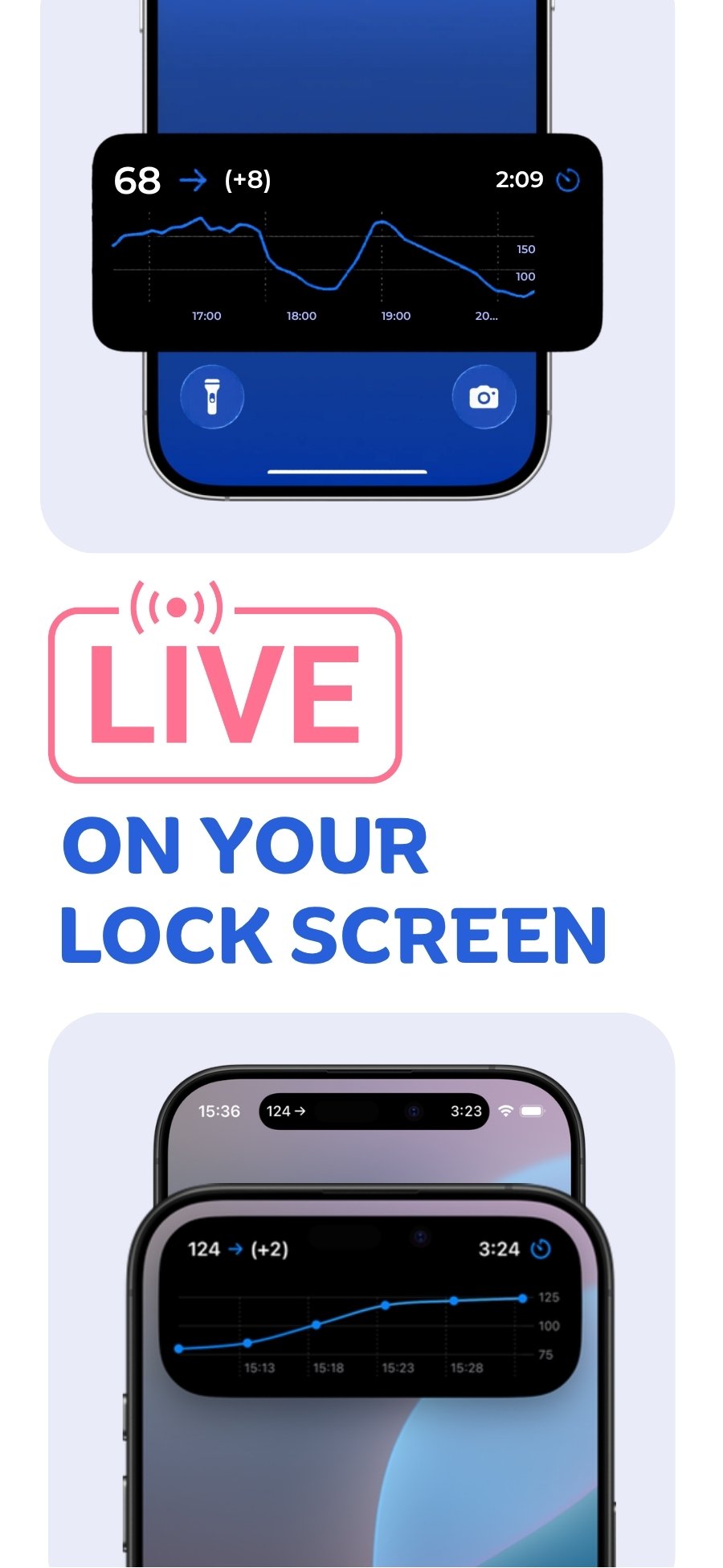
Yes. Sweet Dreams shows your Libre readings on the Lock Screen and in the Dynamic Island as a Live Activity, refreshed every few minutes, far more often than widgets. You connect with a LibreLinkUp account (not LibreLink).
- Works with
- FreeStyle Libre 3, FreeStyle Libre 3 Plus, FreeStyle Libre 2 (where it uploads automatically), FreeStyle Libre 2 Plus
- Sign in with
- a LibreLinkUp account (not LibreLink)
- Updates
- The graph in the app refreshes every minute. The Live Activity refreshes every 5 minutes, or every minute on request.
- Not supported
- Lingo; Libre 2 in regions where it doesn't upload automatically to LibreLinkUp
- Live Activity
- Included in Sweet Dreams Premium
Step 1: Connect Libre to Sweet Dreams
Already follow someone in LibreLinkUp? Skip to the last step.
- Open the FreeStyle Libre app, signed in to your LibreView account. Tap the menu (three lines), then Share or Connected Apps.
- Tap Connect or Manage next to LibreLinkUp, then Add Connection. Enter a name and email address (your own works) and tap Add.
- Install LibreLinkUp. It's a separate app from the FreeStyle Libre (LibreLink) app.
- Open the invitation email, create a LibreLinkUp account, verify your email, then tap Accept on the sharing request.
- In Sweet Dreams, choose FreeStyle Libre and sign in with the LibreLinkUp email and password.
Step 2: Set up Live Activity
- Open Sweet Dreams and tap Live Activity on the Home tab.
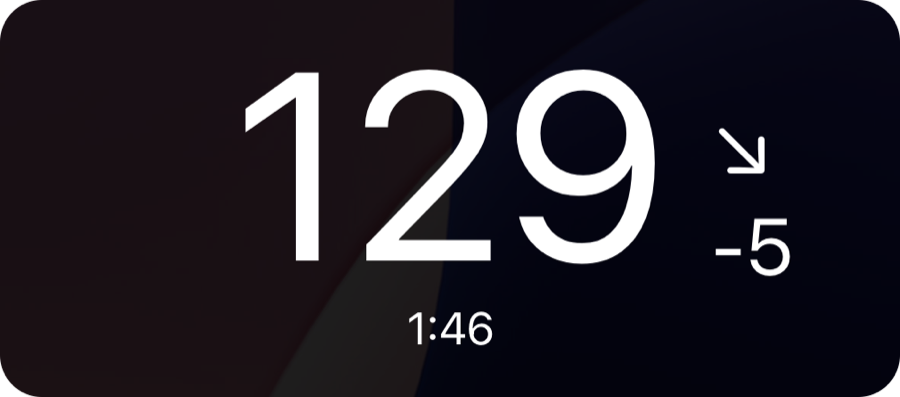
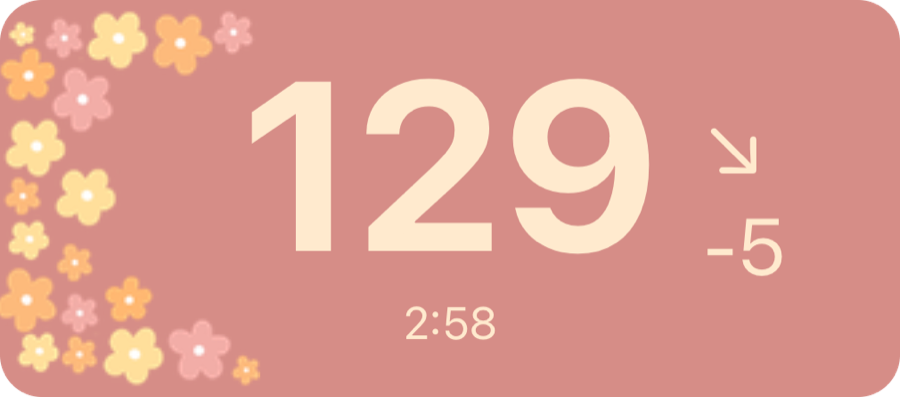
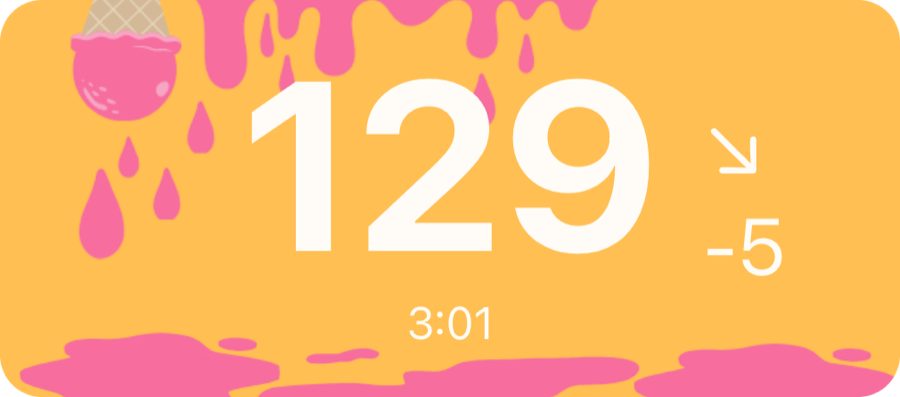
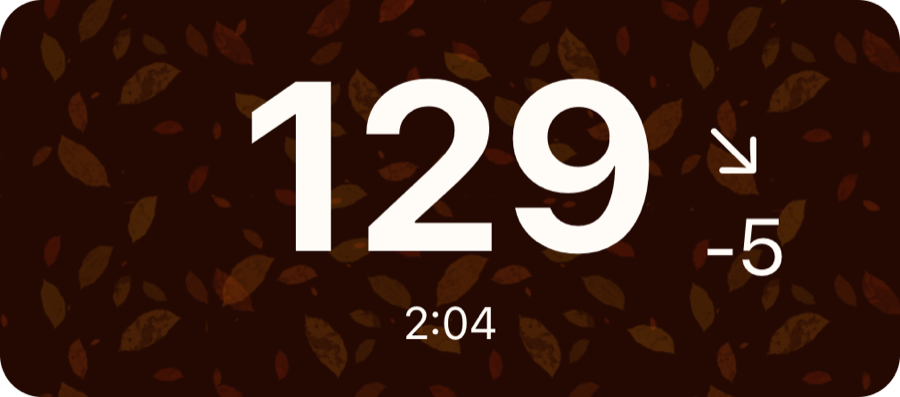
- To change the look, go to Settings → Live Activity & Dynamic Island and pick a style.
- Optional: choose what shows in the Dynamic Island from the same screen.
Good to know for Libre
- The Live Activity refreshes every 5 minutes by default. Tap Request frequent refreshes in Settings → Live Activity & Dynamic Island for a refresh every minute.
- The graph shows up to 12 hours of history, which is what LibreLinkUp provides.
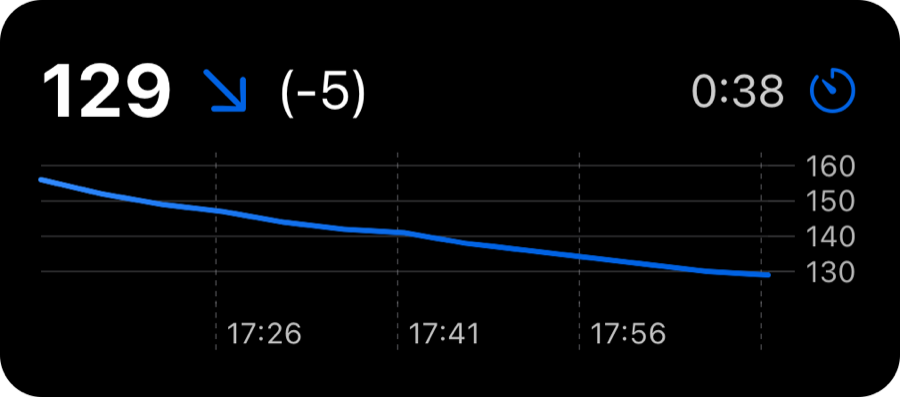
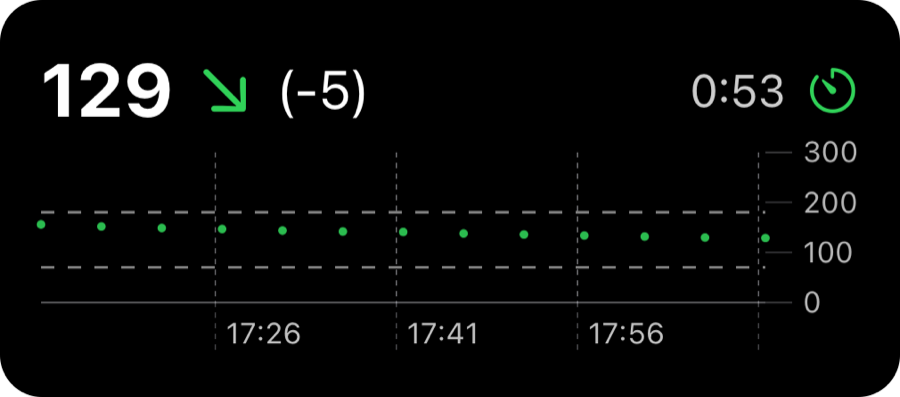
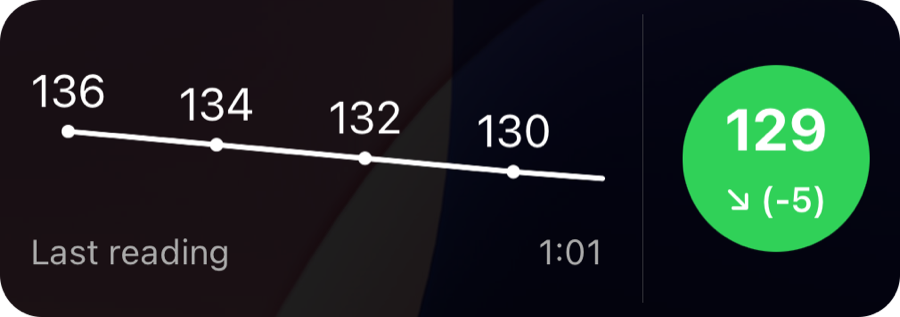
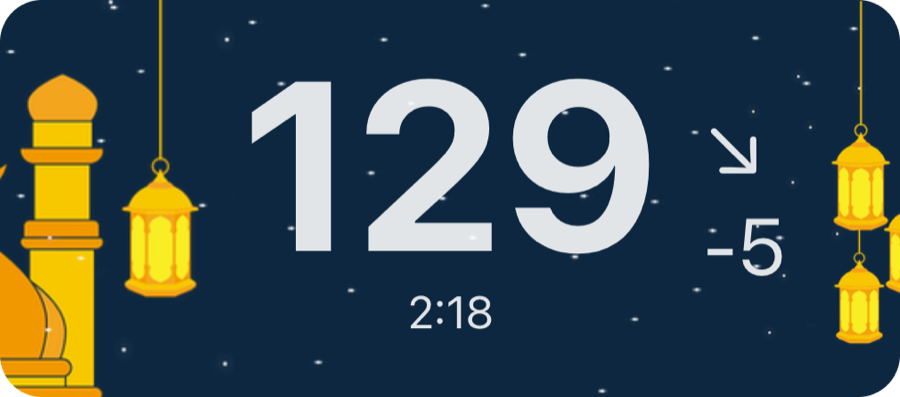
- Pick from graph styles (Dynamic Axis, Fixed Axis, Emphasised Reading), simple styles (Large, Compact), seasonal themes (Spring, Summer, Autumn, Winter) and festive themes (Ramadan, Halloween).
- The same Live Activity appears in StandBy when your iPhone is charging on its side, in the Smart Stack on Apple Watch (watchOS 11 or later) and, on iOS 26 or later, on CarPlay when you start driving.
- By default the Live Activity refreshes every 5 minutes. With FreeStyle Libre or Medtrum you can tap Request frequent refreshes for a refresh every minute (every 2 minutes for Medtrum).
Why not just use a widget?
Widgets and watch complications are refreshed on a budget Apple sets, which we've seen work out to every 15–20 minutes, in every app. That's why glucose widgets, including those in official CGM apps, can show an old reading. A Live Activity is refreshed every few minutes instead.
Live Activity styles and themes



Common questions
Is Live Activity free?
Live Activity is part of Sweet Dreams Premium. Downloading the app and setting up alerts is free.
Which Libre account do I sign in with?
A LibreLinkUp (follower) account. Invite a LibreLinkUp follower from the FreeStyle Libre app (your own email works), accept it in LibreLinkUp, then sign in to Sweet Dreams with the LibreLinkUp account.
Do I sign in with LibreLink or LibreLinkUp?
LibreLinkUp. Sweet Dreams signs in as a follower, so the FreeStyle Libre (LibreLink) login won't work.
Does Sweet Dreams work with Lingo?
No. Lingo doesn't share readings through LibreLinkUp.
 Free on the App Store for iPhone, Apple Watch, iPad and Apple silicon Macs.
Last updated 2026-10-12